
Choosing the right workstation is critical for professionals who rely on consistent performance reliability and long term productivity.
A professional workstation supports demanding workloads that regular desktop systems often struggle to handle efficiently.
This guide explains exactly what to consider when buying a workstation for serious professional use.
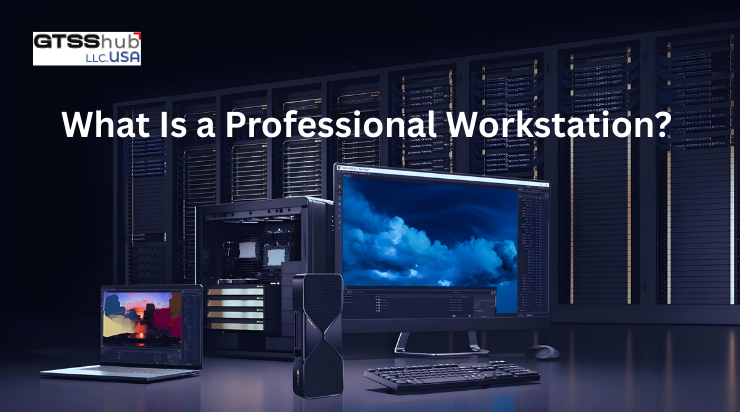
What Is a Professional Workstation
A professional workstation is a high performance computer designed for intensive business technical and creative workloads. It delivers greater stability power and reliability compared to standard consumer desktop computers.
Workstations are built to handle heavy applications that require continuous processing without performance drops.
Where Are Professional Workstations Used
Professional workstations are used in environments where high performance reliability and system stability are critical. They support demanding applications that require consistent computing power over long working hours.
Professional workstations are commonly used in the following areas
• Engineering and Architecture: These professionals use workstations for complex modeling simulations and large design files that require strong processing power.
• Animation and Creative Design: Workstations support rendering visual effects 3D models and high resolution graphics without performance interruptions.
• Data Analysis and Research: They help process large datasets run analytical tools and handle continuous calculations efficiently.• Enterprise Level Business Operations: Workstations ensure stable performance for critical applications used across large organizational workflows
Things to Consider Before Buying a Professional Workstation
Buying a professional workstation requires careful evaluation of performance needs reliability expectations and long term usage goals. Understanding key factors in advance helps avoid overspending and ensures the system supports daily professional workloads efficiently.
1- Core Hardware Components to Consider
Understanding core workstation components helps buyers select systems that match their actual professional performance needs. Each component plays a direct role in how efficiently applications perform during daily professional tasks.
A- Choosing the Right Processor
The processor determines how quickly complex calculations and multitasking workloads are handled during professional use. Higher core counts benefit parallel workloads while higher clock speeds improve responsiveness for single threaded applications.
Selecting the right processor depends entirely on the specific software and workload requirements.
B- Selecting a Professional Graphics Card
Professional graphics cards are optimized for stability accuracy and compatibility with certified professional applications. They deliver consistent performance for design visualization modeling simulation and content creation workloads.
Choosing the correct GPU ensures smoother workflows and fewer software related performance issues.
C- Memory and RAM Requirements
Sufficient memory allows applications to run smoothly without system slowdowns during multitasking or large file handling. Professional users often require higher RAM capacity to support complex datasets and simultaneous application usage.
Expandable memory support helps future proof the workstation investment.
D- Storage Type and Capacity
Fast storage significantly improves application loading times file transfers and overall system responsiveness. NVMe and solid state storage options provide better performance and reliability for professional workloads.
Adequate storage capacity ensures long term data management without frequent upgrades.
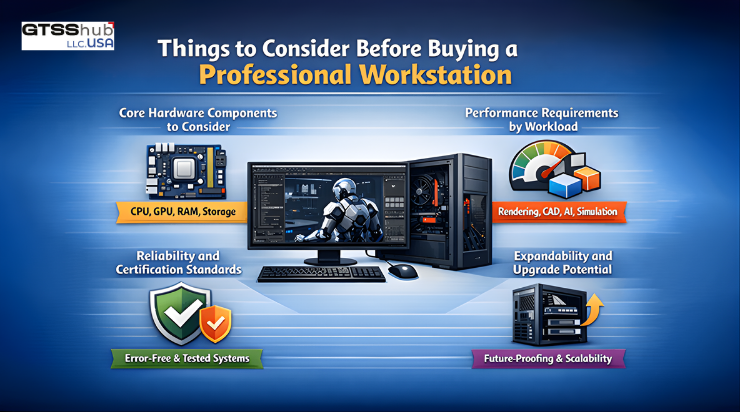
2- Performance Requirements by Workload
Different professional workloads demand different workstation configurations for optimal performance and efficiency. Design professionals prioritize graphics performance while data intensive roles require strong processing and memory capabilities.
Matching hardware to workload ensures cost efficiency and avoids unnecessary performance bottlenecks.
3- Reliability and Certification Standards
Professional workstations are designed to operate reliably under continuous heavy workloads for extended periods. Features like ECC memory and ISV certifications improve system stability and application compatibility.
These standards reduce downtime and support consistent professional productivity.
4- Expandability and Upgrade Potential
Expandability allows businesses to upgrade components as performance requirements grow over time. Additional storage memory and expansion slots provide flexibility without replacing the entire system.
Prebuilt vs Custom Workstations
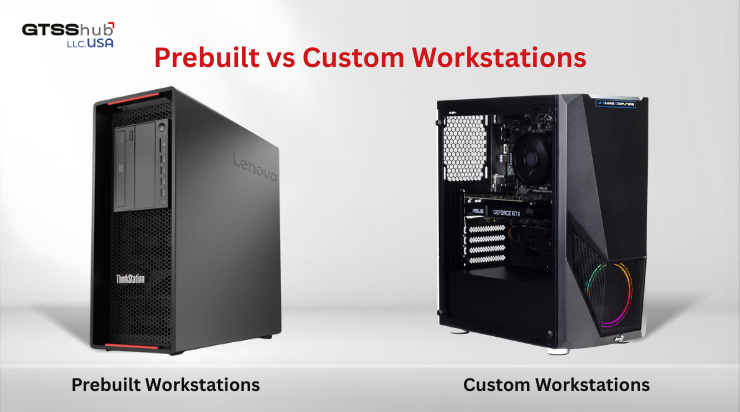
When buying a professional workstation businesses often choose between prebuilt systems and custom assembled machines. Each option has distinct advantages depending on performance needs budget and long term maintenance requirements.
Prebuilt Workstations
Prebuilt workstations come with tested configurations and manufacturer warranties, offering reliable performance for professional use.
Key points:
• Ready to use: Comes fully assembled and tested for stability and performance
• Warranty and support: Manufacturer warranty covers hardware issues and technical support
• Simplified deployment: Easy to set up for business environments without technical planning
Custom Workstations
Custom workstations allow you to select each component according to specific workload requirements.
Key points:
• High flexibility: Choose exact CPU, GPU, RAM, and storage based on professional needs
• Upgrade potential: Easier to swap or upgrade components over time
• Technical planning required: Needs careful compatibility checks and ongoing maintenance expertise
Most businesses prefer prebuilt systems for reliability, simplified setup, and predictable performance in professional environments.
Best Workstations for Professional Use
Selecting proven workstation models simplifies decision making and ensures dependable professional performance.
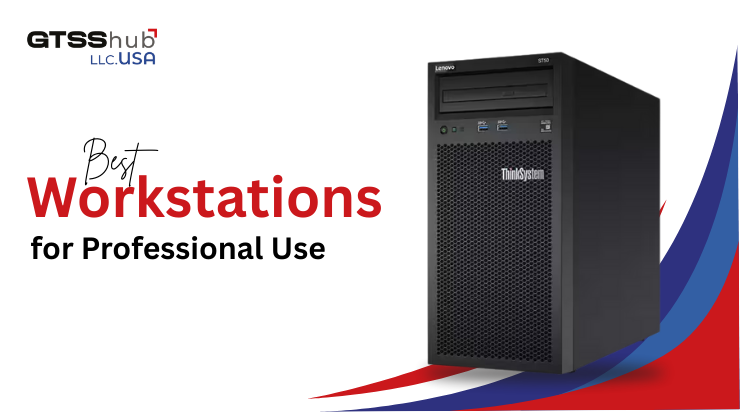
Lenovo ThinkSystem ST50 Tower Desktop
The Lenovo ThinkSystem ST50 Tower Desktop suits small businesses requiring reliable entry level professional performance. It handles office applications light design workloads and server style tasks efficiently and consistently.
This workstation offers scalability reliability and cost effective performance for growing professional environments.
Lenovo ThinkSystem ST50 Workstation
The Lenovo ThinkSystem ST50 Workstation is designed for demanding professional workloads requiring higher processing power. It supports advanced applications heavy multitasking and future expansion needs with dependable stability.
This model is ideal for professionals seeking long term performance and enterprise grade reliability.
Choose the Right Professional Workstation with GTSS HUB LLC
Finding the perfect workstation doesn’t have to be complicated when you work with the right provider. At GTSS HUB LLC, we offer reliable professional workstations that are optimized for performance, stability, and long term productivity.
Whether you need a system for engineering, design, data analysis, or enterprise operations, we have solutions ready to match your exact requirements. Our team helps you select the right model, including prebuilt options like the Lenovo ThinkSystem ST50 Tower Desktop and Lenovo ThinkSystem ST50 Workstation, ensuring smooth deployment without any guesswork.
Partnering with GTSS HUB LLC means you get dependable hardware, expert guidance, and the confidence that your workstation will handle your most demanding professional workloads efficiently.
Explore our workstations today and take your productivity to the next level.





Leave a Reply